05 November 2019

6 Apps for a Virtual Makeover


Way back in the day, if you wanted a makeover, you usually had to go to a brick-and-mortar store and visit a cosmetic booth. In the early 2010s, clunky websites where you could upload a picture of yourself to get a free virtual makeover appeared. They were fun, but not particularly high-quality.

These days, however, trying out new looks is easy. It’s made even simpler by the dozens upon dozens of selfie tools for Android and iOS.

Here are several amazing apps that will give you a virtual makeover.

1. Hairstyle Makeover

Years ago, we covered an early makeover site called taaz.com. Taaz was a brilliant online virtual makeover site that let you add a number of enhancements to uploaded profile photos with one click of the mouse.

The ease of uploading photos made it an attractive tool, and the website was free to use: all it required was registration. Unfortunately, Taaz is no longer available, but similar apps have arisen in its place. One of those apps is Hairstyle Makeover.

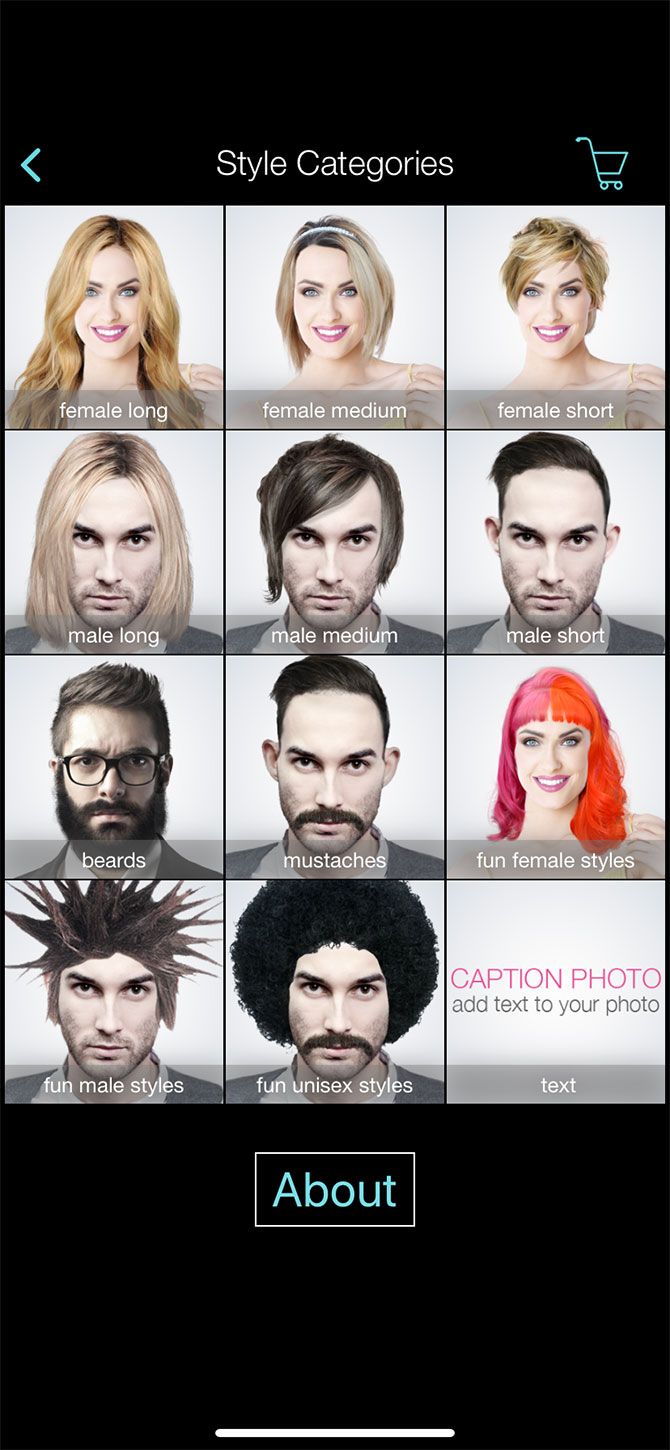
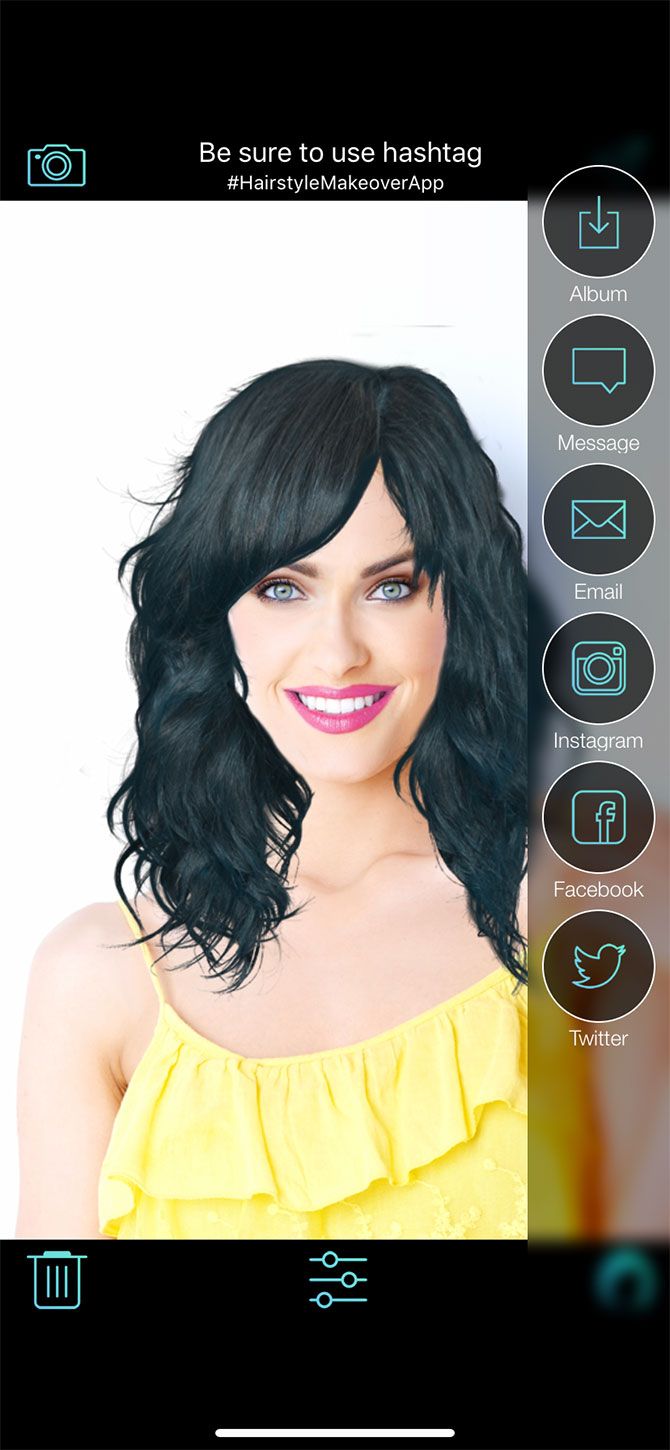
Hairstyle Makeover is a free virtual makeover app that allows you to try on new hairstyles. You can test out these hairstyles with one of the in-app models, or try out a new look on a photo of yourself.

Hairstyle Makeover is similar to Tazz’s makeover system, and it’s good for trying out basic colors and cuts. That said, the app is definitely barebones compared to a lot of the other tools available. It’s also only available for iOS.

Download: Hairstyle Makeover for iOS (Free, in-app purchases available)

2. Mary Kay Virtual Makeover

Mary Kay Virtual Makeover is an incredibly fun and fairly advanced app. It’s also one of the best virtual makeover experiences because of how useful it is.

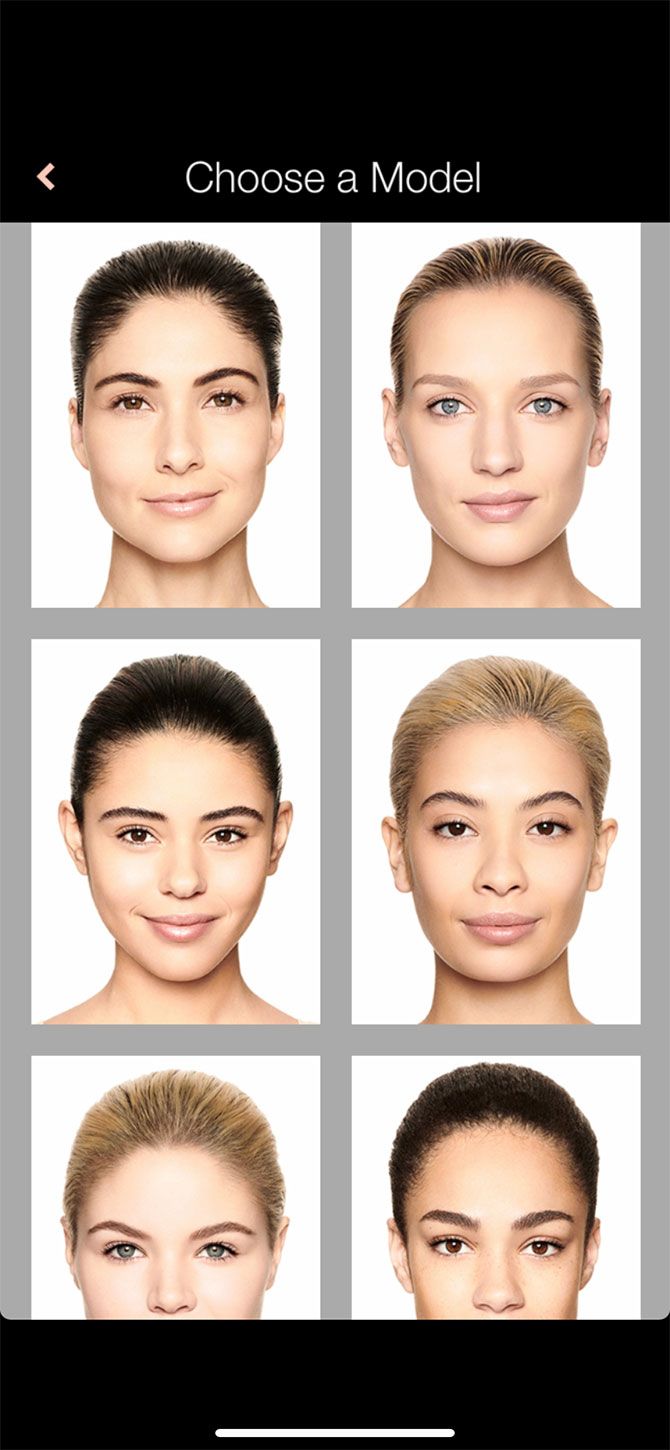
Through the app, you can try out a wide array of cosmetics using a large selection of in-app models. You can also use your own face to try out new virtual makeover hairstyles and looks.

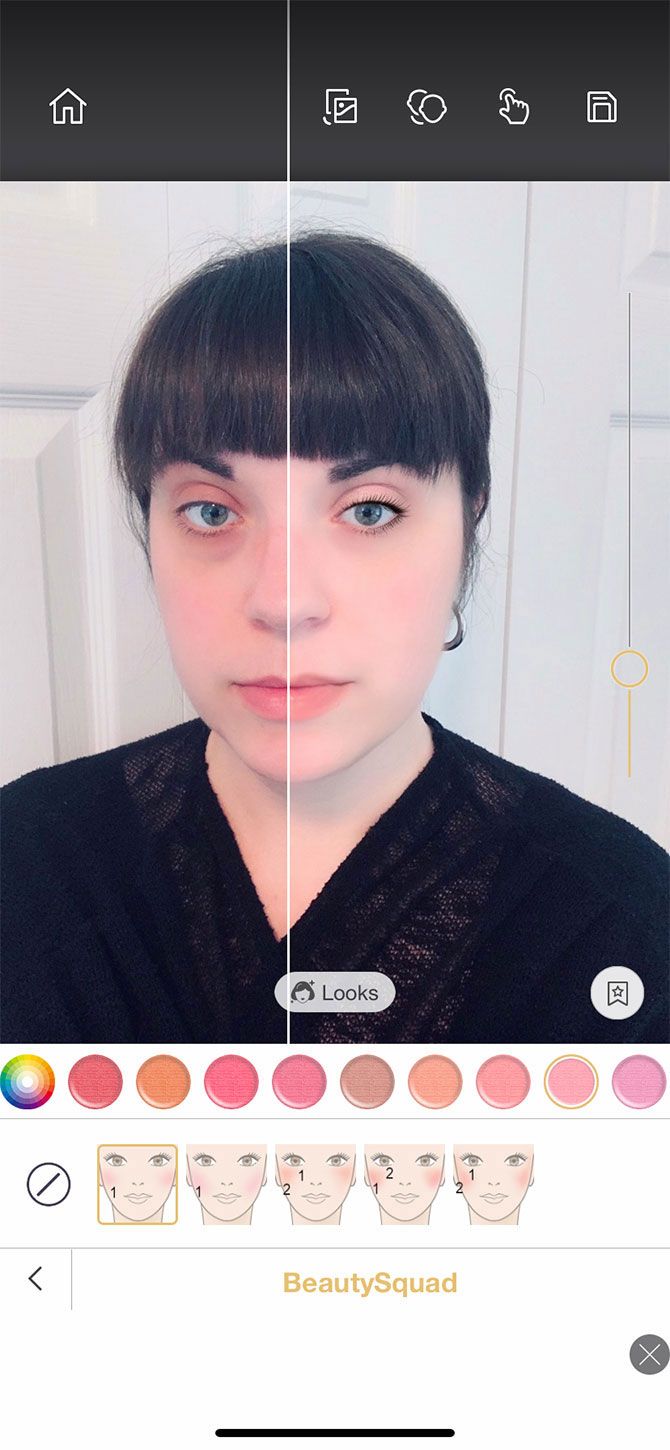
If you use your own face, Mary Kay maps out your features with reference points so it knows where to apply makeup. Then you can choose different products to try out.

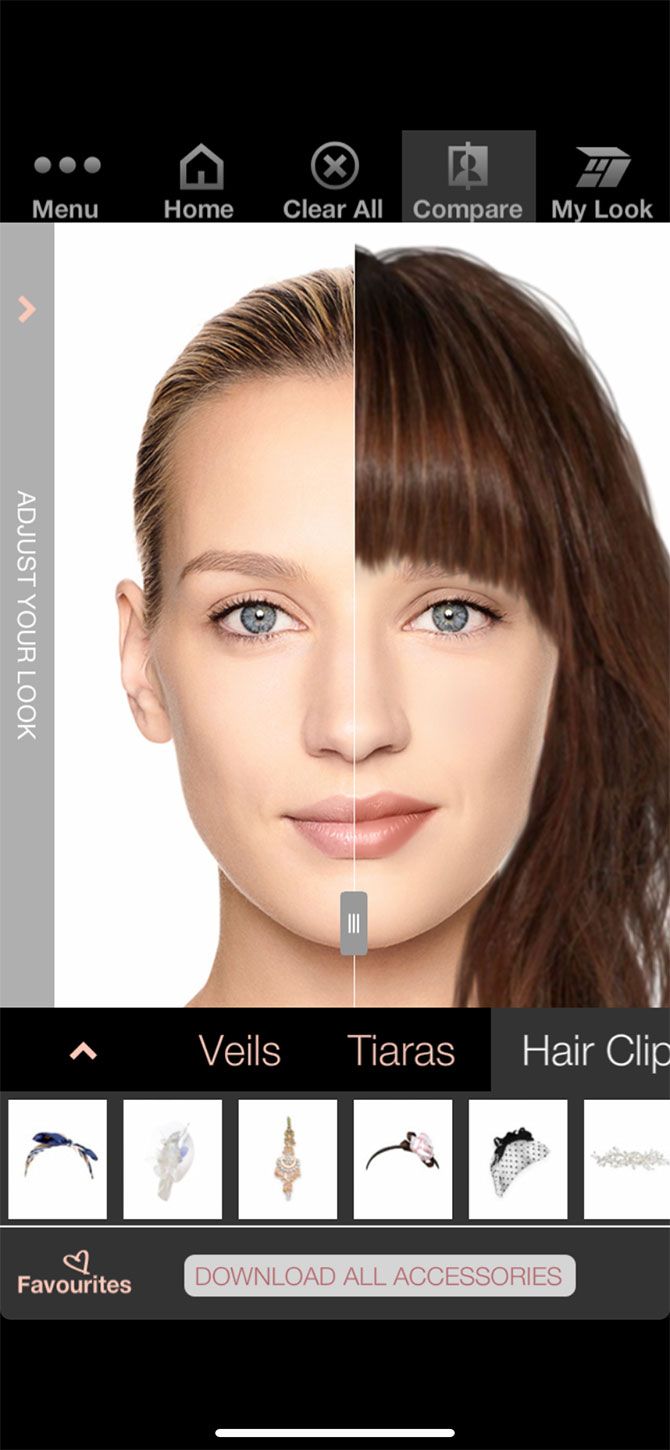
Once you’re done, you can click on the Compare button to see what your face looks like before and after your makeover. You can also tap on the My Look button, which lists all the products you’ve used, along with their price.

Download: Mary Kay Virtual Makeover for Android | iOS (Free)

3. Perfect365
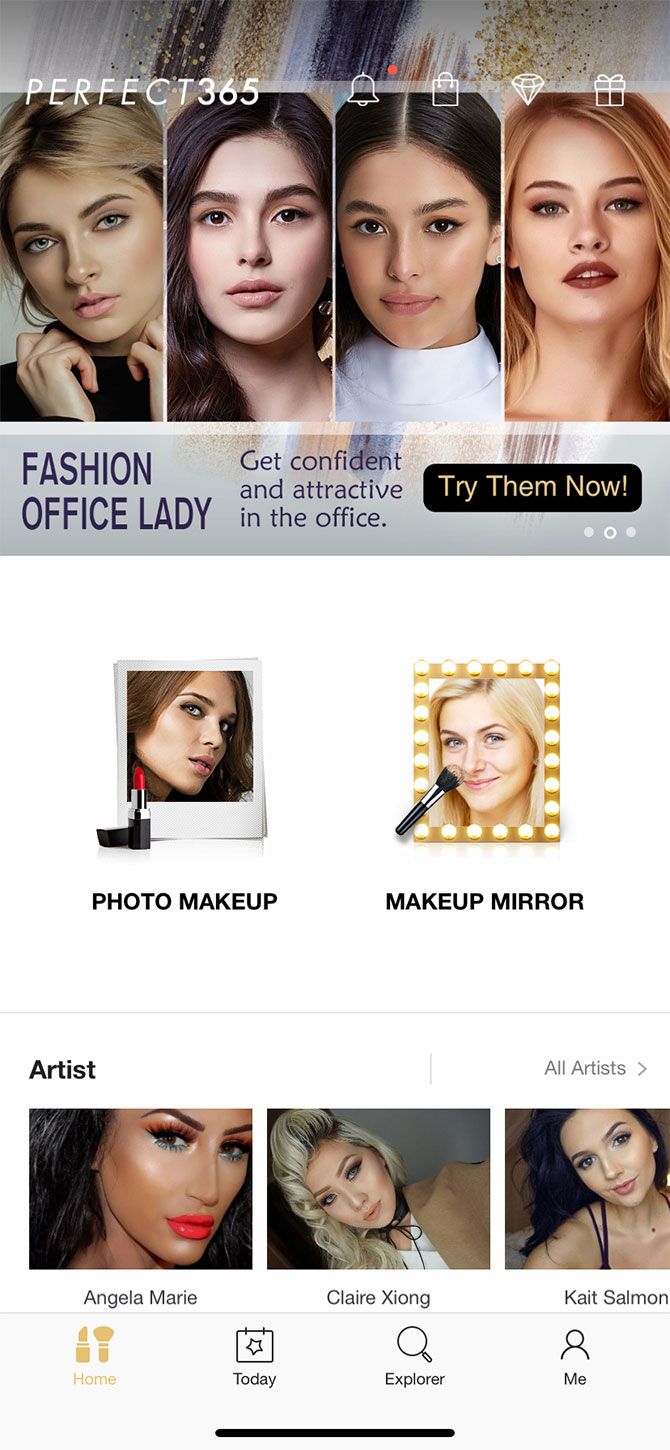
Perfect365 is one of the best virtual makeover apps you can use. After trying it out, I was incredibly impressed by its face-mapping capabilities.

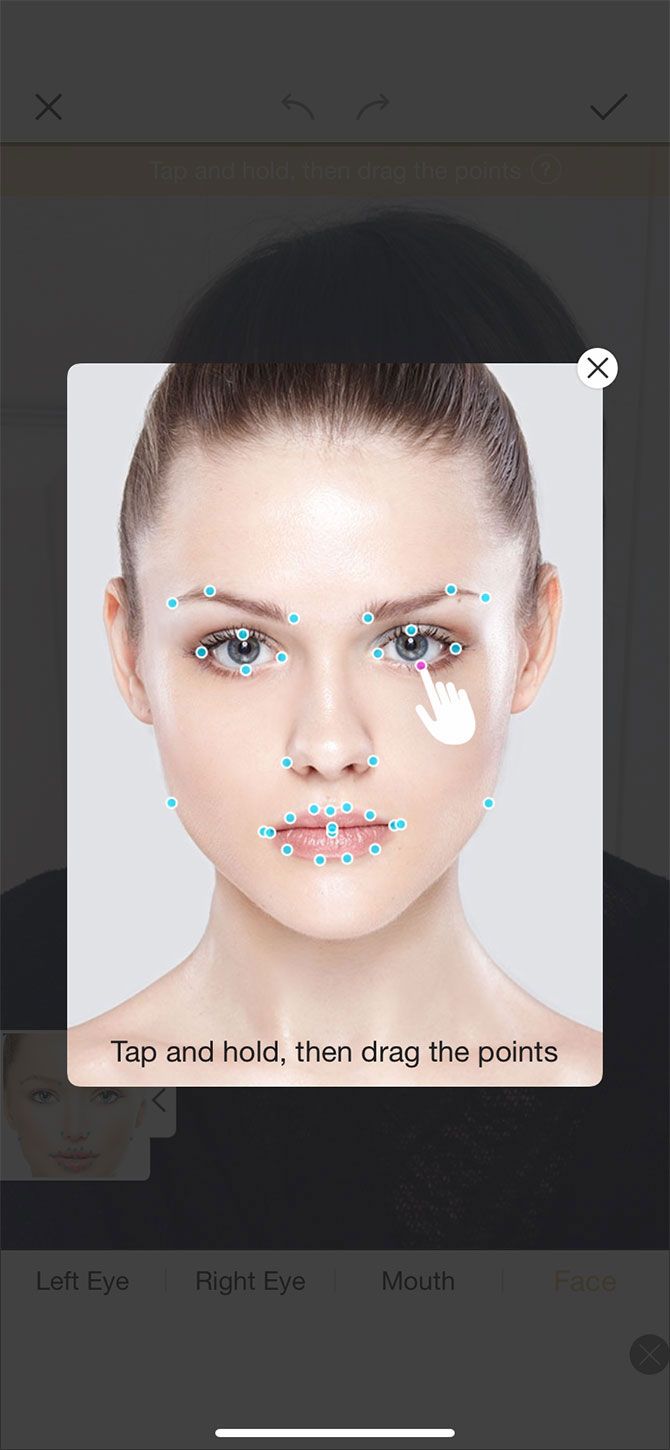
Unlike the Mary Kay Virtual Makeover app—where you have to manually tell it to map out your face—Perfect365 automatically maps your features the moment you upload your photo. It does this with a shocking degree of accuracy.

If your face didn’t map correctly, Perfect365 allows you to manually readjust the points by tapping and holding. Once your face is mapped, you can choose from a selection of pre-made looks. The app also lets you design your own looks from scratch.

After you’re finished, you can tap on the screen to see your face before and after you apply the virtual makeover. There are so many different looks that you can try for free.

The only downside? You can download the edited pictures to your phone, but the photos are low-resolution. If you want to download a higher resolution, you’ll need to do one of the following:

  • Pay for the full app to save unlimited photos.
  • Get the higher resolution photos free for 60 days by completing a survey.
  • Download the image for free (one-time) by watching a video.

There’s also the option for a Perfect365 PLUS subscription, which unlocks every feature in the app and reduces ads.

Download: Perfect365 for Android | iOS (Free, in-app purchases available)

4. YouCam Makeup
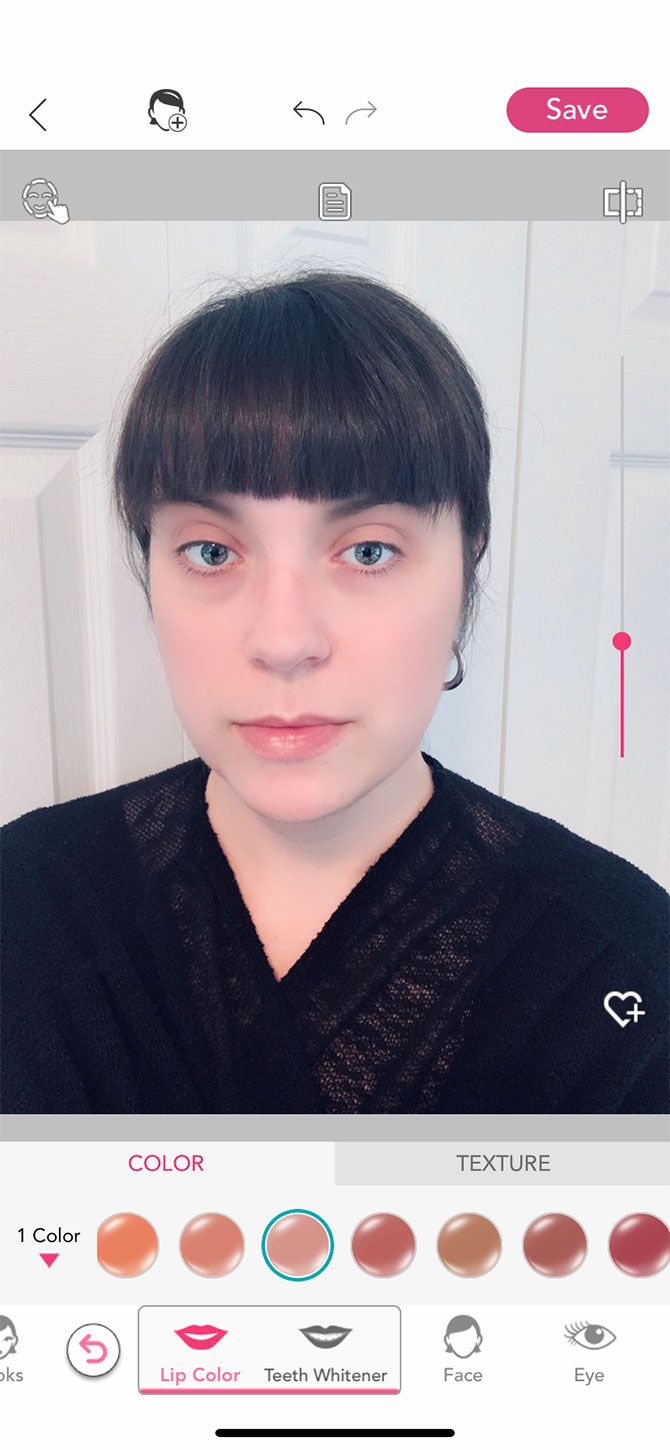
YouCam Makeup is a virtual makeover app that’s so similar to Perfect365 that at first we thought it was a clone. Like Perfect365, YouCam Makeup is incredibly advanced when it comes to its face-mapping. It’s also very intuitive and easy to use.

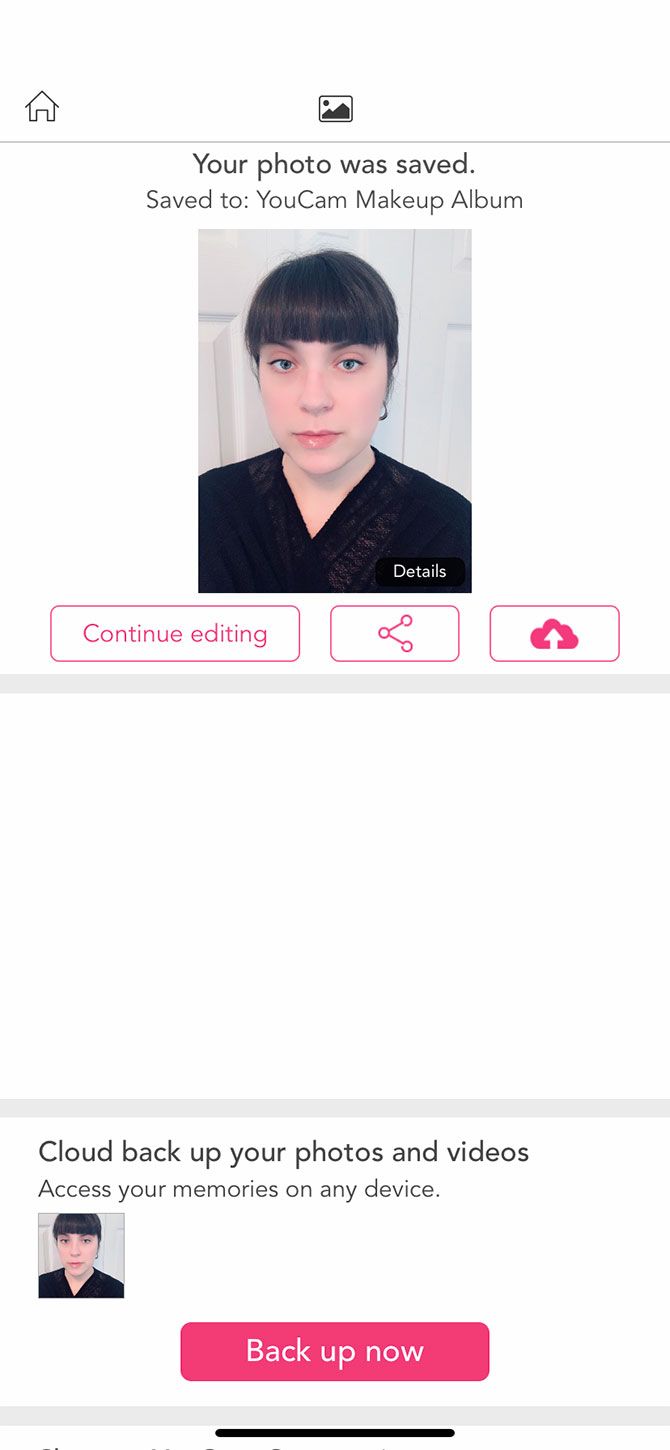
After you upload your photo, you can choose from a list of pre-built looks, or build your own look step-by-step. You can also download your photos, but if you want to back up your photos to your phone, you’ll need to sign up for a full account using your email address or Facebook.

There’s also a premium version of the app which unlocks all features using a subscription-based model. However, there are so many free looks and tools that you can easily use the app without it.

Download: YouCam Makeup for Android | iOS (Free, in-app purchases available)

5. Facetune2

Facetune2 is one of the best-known virtual makeover apps. It has some excellent photo-retouching capabilities, and it’s less devoted to virtual makeovers and more to overall photo editing, specifically selfies.

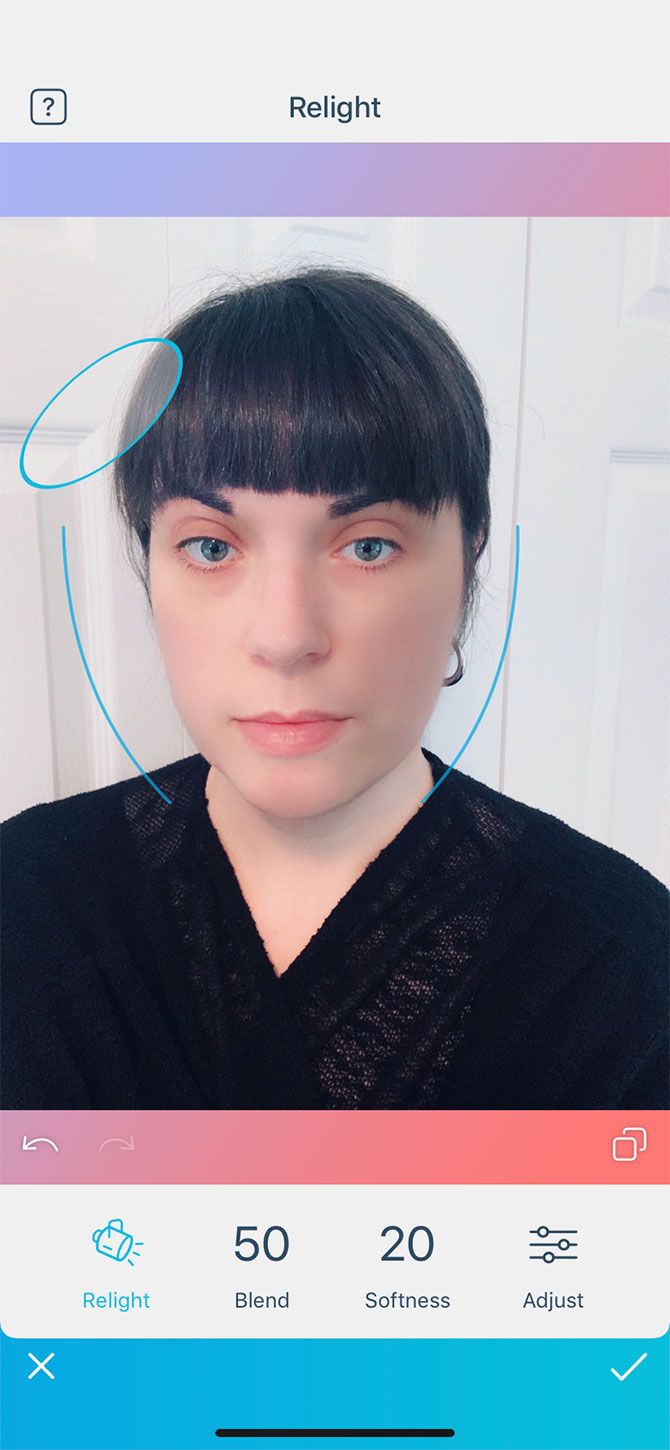
Facetune2 has an awesome Relight feature that allows you to adjust the overall angle of light in your photo. Its face-mapping abilities are also great.

While some of Facetune2’s features are free, the app heavily pushes you towards its subscription by advertising its VIP features each time you log in. However, you can bypass these ads by tapping the X in the top-left corner of your screen.

Download: Facetune2 for Android | iOS (Free, in-app purchases available)

6. Camera360

A final choice is the free virtual makeover app Camera360, which is a personal favorite of mine.

Camera360 has really advanced photo-editing capabilities that work great for selfies. We love it for its fine-tuned ability to accurately retouch blemishes without going overboard or making your face look unnatural. It’s also great for its wide array of filters.

Camera360 is a really solid and reliable app if you want to make your selfies look beautiful. While it does offer a premium upgrade, I’ve used the free version for many years and have never run into any issues or noticeable limitations.

Download: Camera360 for Android | iOS (Free, in-app purchases available)

Make Your Face Look Its Best With a Virtual Makeover

There are a lot of apps to choose from for free virtual makeovers. Editing your photos has become commonplace, and in fact it’s so common that it’s almost expected nowadays. Everyone does it, and decorating your own face can be kind of fun.

Are you looking for other ways to create the perfect profile picture? Considering purchased one of the best ring lights for selfies and videos.

Read the full article: 6 Apps for a Virtual Makeover


Read Full Article

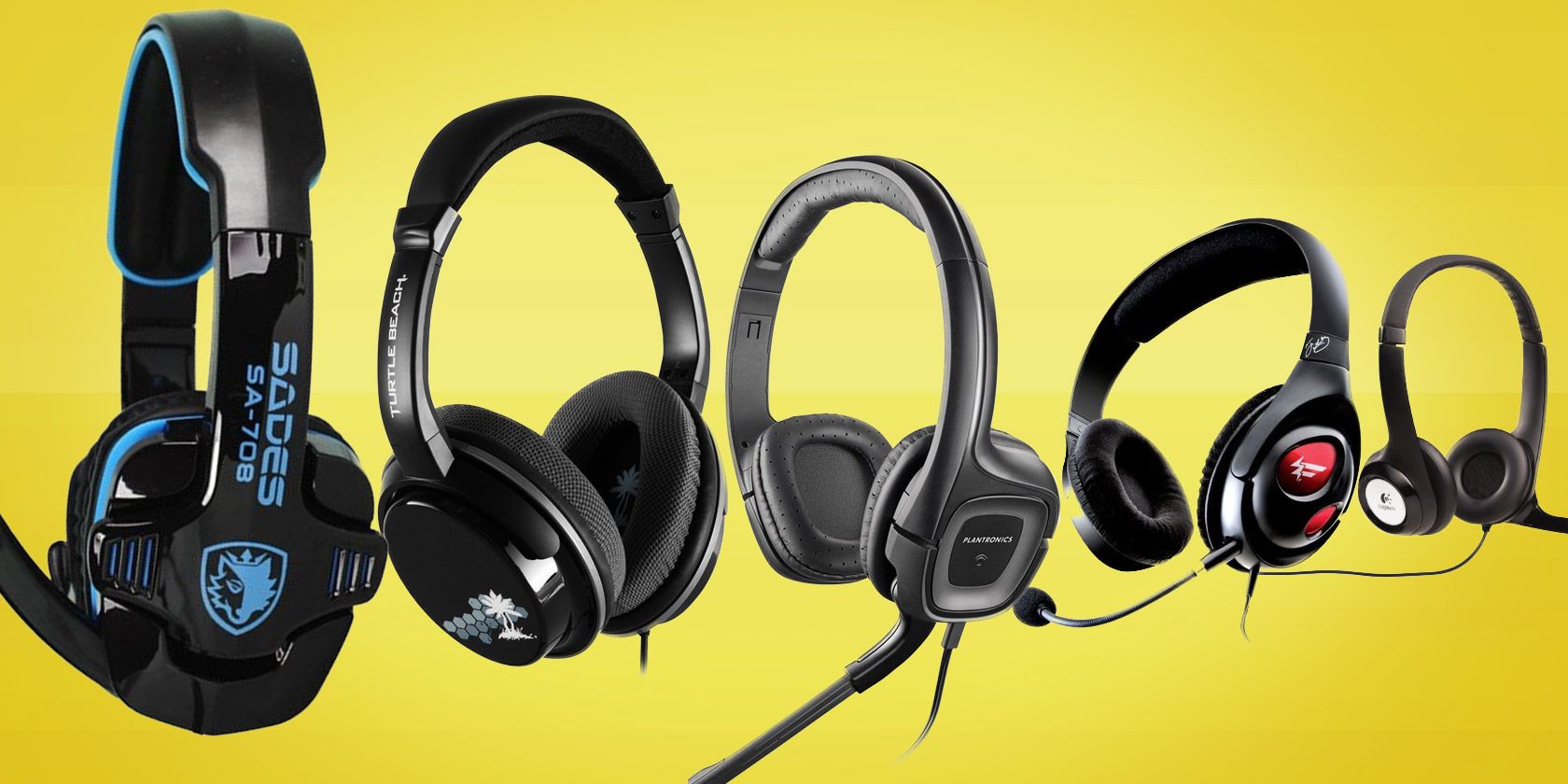
The 10 Best Budget Gaming Headsets for Under $25


gaming-headphones

If you play games often, there are several reasons you may want to purchase a headset. They reduce noise, come with a microphone for online gaming, and create a more immersive gaming environment.

There are plenty of high-end headsets available, but if you’re on a tight budget, don’t despair. Here are the best gaming headsets for under $25.

1. Logitech USB Headset H390

The Logitech USB Headset H390 has features like a noise-cancelling microphone to make your voice sound crisper and clearer. The mic can be swiveled down when you want to use it and up when you don’t. There are also inline volume and mute controls. This means you can quickly turn the sound off if you need to have a conversation with someone in the room.

This headset is a popular choice for people who want an affordable option for work in addition to gaming. USB support makes it compatible with Windows, macOS, and ChromeOS as well.

2. Beexcellent Gaming Headset GM-1

Beexcellent Gaming Headset GM-1 Beexcellent Gaming Headset GM-1 Buy Now On Amazon $17.99

The Beexcellent Gaming Headset GM-1 has a great gamer look without breaking the bank, and comes in either blue or orange. It has a lightweight design, so it’s comfortable to wear for long periods. This is helped by padding on the headband and earcups too. There’s a noise-cancelling microphone that rotates 120 degrees as well.

The headphones can be bent, twisted, and stretched, and they should retain their shape. They have a standard 3.5 mm audio input, so are compatible with a huge range of devices. And they have funky LED lighting to add to the gamer style.

3. Mpow USB Headset (All-Platform Edition)

Mpow USB Headset (All-Platform Edition) Mpow USB Headset (All-Platform Edition) Buy Now On Amazon $21.99

The Mpow USB Headset (All-Platform Edition) is a simple headset with an understated look that performs all the basic functions you need. It has a unidirectional microphone and an inline control for turning the mic and the speaker on and off, as well as adjusting the volume up and down.

The headset supports USB input, or you can use the inline control to plug in a 3.5 mm jack. It’s compatible with a wide range of devices, including Windows, macOS, Android, and tablets. It comes in black, blue, pink, and white.

4. Mpow EG3 Pro Gaming Headset

Mpow EG3 Pro Gaming Headset Mpow EG3 Pro Gaming Headset Buy Now On Amazon $22.99

Another great choice from Mpow is the EG3 Pro Gaming Headset, which has a more traditional gaming-style look. The chunky headset comes in gold, black, or purple metallic finishes. It is constructed from an aluminum frame for low weight and high strength.

There’s a microphone that reduces background noise when you speak and inline audio controls to adjust the volume and turn the microphone on or off. The headset is compatible with Windows computers, PlayStation 4, Xbox One, and Nintendo Switch as well as mobile devices.

5. Sades SA902

Sades SA902 Sades SA902 Buy Now On Amazon $22.99

The Sades SA902 has brightly colored red elements which stand out against the black, and it has shining LEDs to add to the bling factor. It also offers comfortable ear cushions that reduce outside noise and a padded headband.

The manufacturer says it delivers 7.1 virtual surround sound with separately adjustable levels so you can tweak the sound profile to your liking. This product is compatible with desktop or laptop PCs and Macs. Note, however, that it won’t work with consoles like the PlayStation 4 or the Xbox One.

6. BENGOO V-4

BENGOO V-4 BENGOO V-4 Buy Now On Amazon $15.89

The BENGOO V-4 is a uniquely styled headset with a chunky, metal look and unusual pentagon ear cups. These offer a heavy bass sound for people who also want to listen to music. And the noise isolating and adjustable microphone allows easy chatting with fellow players.

The USB cable comes with inline controls to adjust the volume or to mute the microphone, and at 49 inches long, it allows you can to away from your desk and still stay connected. The impressive compatibility of the headset includes support for PlayStation 4, Xbox One, PC, Nintendo 3DS, PSP, iMac, mobiles, tablets, and Windows PCs.

7. NUBWO Wired Gaming Headphones

NUBWO Wired Gaming Headphones NUBWO Wired Gaming Headphones Buy Now On Amazon $16.99

The NUBWO Wired Gaming Headphones looks like a much more expensive headset than it is. It has features like a lightweight band with fabric support, logos inlaid into the ear cups, and a directional microphone, which can be adjusted as required. It has a noise-reduction chip to help make your voice clearer and lessen ambient noise.

The double metal suspension head beam means the headset can be twisted and distorted and still return to its original shape. And the included PC extension cable means it is compatible with PCs, laptops, and Macs, as well as Xbox One, PlayStation 4, Nintendo Switch, PSP, and mobiles or tablets.

8. RUNMUS Gaming Headset

RUNMUS Gaming Headset RUNMUS Gaming Headset Buy Now On Amazon $25.85

The RUNMUS Gaming Headset comes in three color options; black with blue, black with red, or a funky camo green. It is designed to be comfortable with a padded headband and soft memory foam ear cups. The use of plastics means it is also lightweight, so it shouldn’t cause discomfort over long gaming sessions.

The noise-cancelling microphone enables clear communication and can be adjusted as needed. There’s also anti-static technology to prevent annoying static sounds. The headset is compatible with PlayStation 4, PSP, Xbox One, Nintendo Switch, Windows PC, Mac, iOS devices, and Android devices.

9. Creative 70GH032000000

Creative 70GH032000000 Creative 70GH032000000 Buy Now On Amazon $29.45

The Creative 70GH032000000 is an affordable option from well-known brand Creative. It has a detachable noise-cancelling microphone, so you can remove it when you aren’t using it. The headset also comes with precision-tuned drivers for a high-quality sound experience.

There’s an inline control available for adjusting the volume or muting the microphone. The headset is well padded and lightweight, and the 3.5mm audio input means it can be used with a wide range of devices.

10. SENICC 3.5mm Stereo Headset

SENICC 3.5mm Stereo Headset SENICC 3.5mm Stereo Headset Buy Now On Amazon $12.79

The slick SENICC 3.5mm Stereo Headset is very affordable and has essentials like a noise-reducing microphone, comfortable headband, and soft earcups. The microphone can be rotated by up to 120 degrees, and the large earcups should block out some background noise.

The headset’s real strength is in its compatibility, as it supports Windows and Mac computers and laptops in addition to PlayStation 4, Xbox One, PSP, mobiles, and tablets. To use the headphone and microphone features simultaneously on a PC, you can use the included splitter cable.

The Best Budget Gaming Headset for You

These headsets show that you don’t have to spend a lot to get a great audio experience when gaming. However, if you are willing to spend a bit more, then you can get features like Bluetooth connectivity and higher quality sound.

If it’s a wireless experience you’re after, check out the best wireless gaming headsets.

Read the full article: The 10 Best Budget Gaming Headsets for Under $25


Read Full Article

The Best Video Player Apps for iPhone and iPad


Many people watch videos on their iPhone or iPad. But while the default player might be sufficient for viewing your personal videos, if you’re planning to watch locally saved movies and TV shows, you’ll need something with a few more features.

Thankfully, you’re not short of options—the App Store is packed with iOS video players. But which one should you use? What is the best video player for iPhone and iPad?

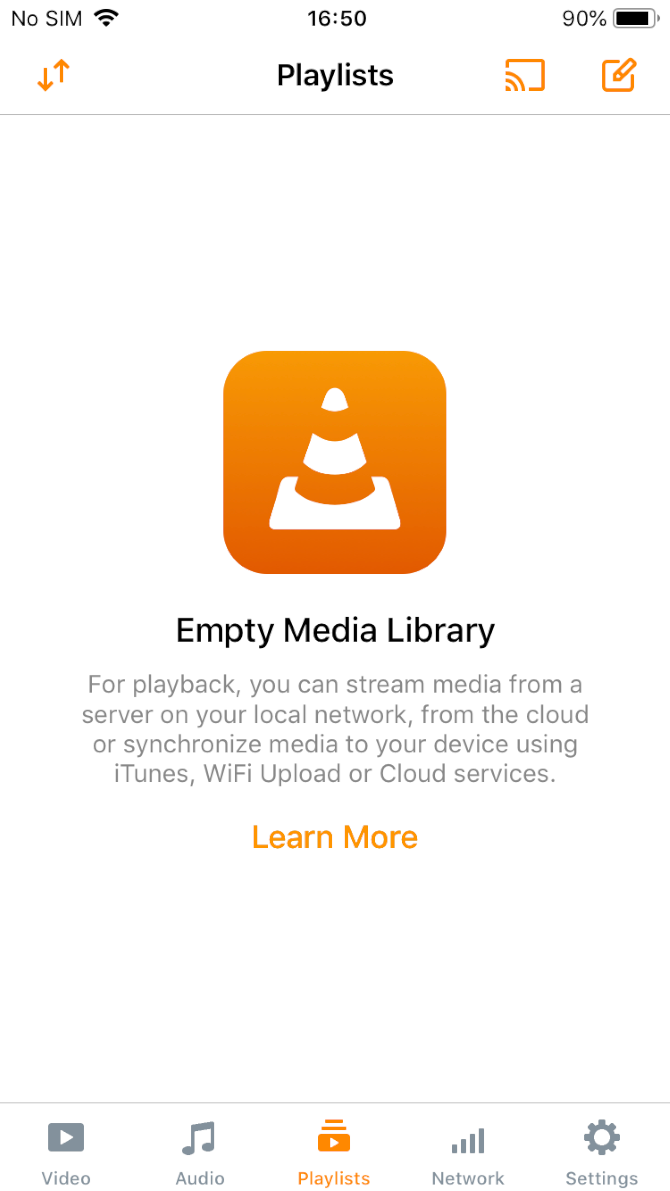
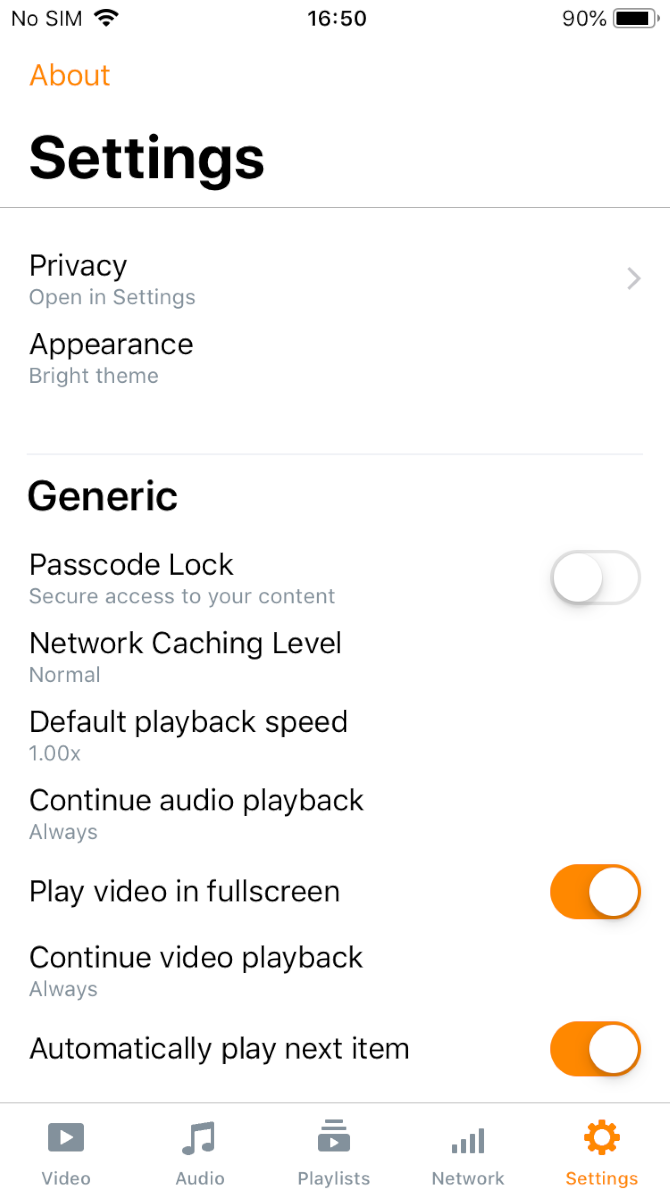
1. VLC

No matter which platform you’re discussing, VLC always pops up as one of the best video players available. iOS is no different.

The app supports a vast number of video formats, including all the most common file types and codecs. Importantly for Mac and iOS users, VLC also supports AirPlay video and audio streaming.

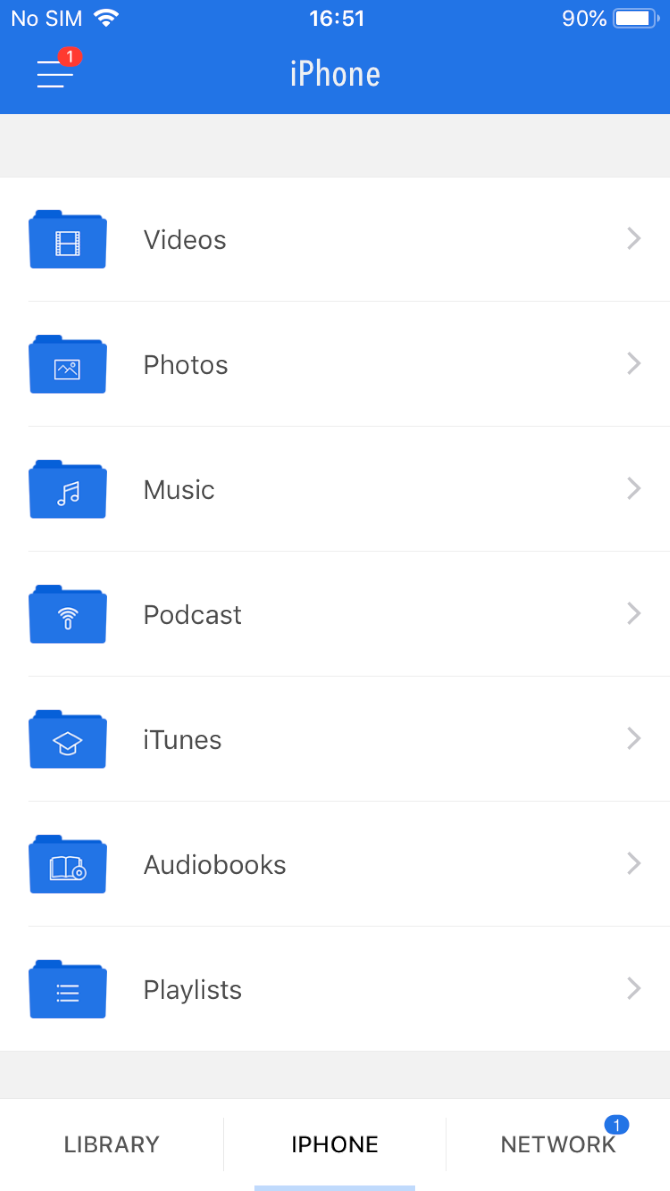
VLC’s most notable features include support for network streams (including HLS, MMS, and RTSP), integration with Dropbox, Google Drive, iCloud Drive, OneDrive, and Box, and support for file servers (SMB, FTP, UPnP, and DLNA).

Other important playback features, such as subtitle support, multi-track audio, and speed control, are also available.

Download: VLC (Free)

2. PlayerXtreme Media Player

PlayerXtreme Media Player is a widely-used video player for iPhone and iPad. It has one of the most extensive feature lists of any video player in the App Store.

All the major file formats are supported, including 3GP, ASF, DIVX, M2P, M4V, MOV, MP4, MPEG, MPG, OGV, PS, QT, VOB, WEBM, and VIDEO_TS. You can also stream content from NAS drives, Windows and Mac computers, DLNA devices, and even Kodi.

Both AirPlay and Google Cast are supported (allowing you to cast your iOS videos to an Apple TV box or Google Chromecast), and you can use the app to download subtitles for your TV shows and movies in real-time.

PlayerXtreme Media Player has a free and a Pro version. The Pro version unlocks the aforementioned subtitle and AirPlay features.

Download: PlayerXtreme Media Player (Free, in-app purchases available) | PlayerXtreme Media Player PRO ($6.99)

3. KMPlayer

KMPlayer is a great iPhone video app for anyone who wants to play high-resolution content. You can use it to watch 4K, UHD, and FHD videos (as long as your iPhone model supports it). In theory, the app can also play 8K content, but Apple does not yet sell any products that support 8K video.

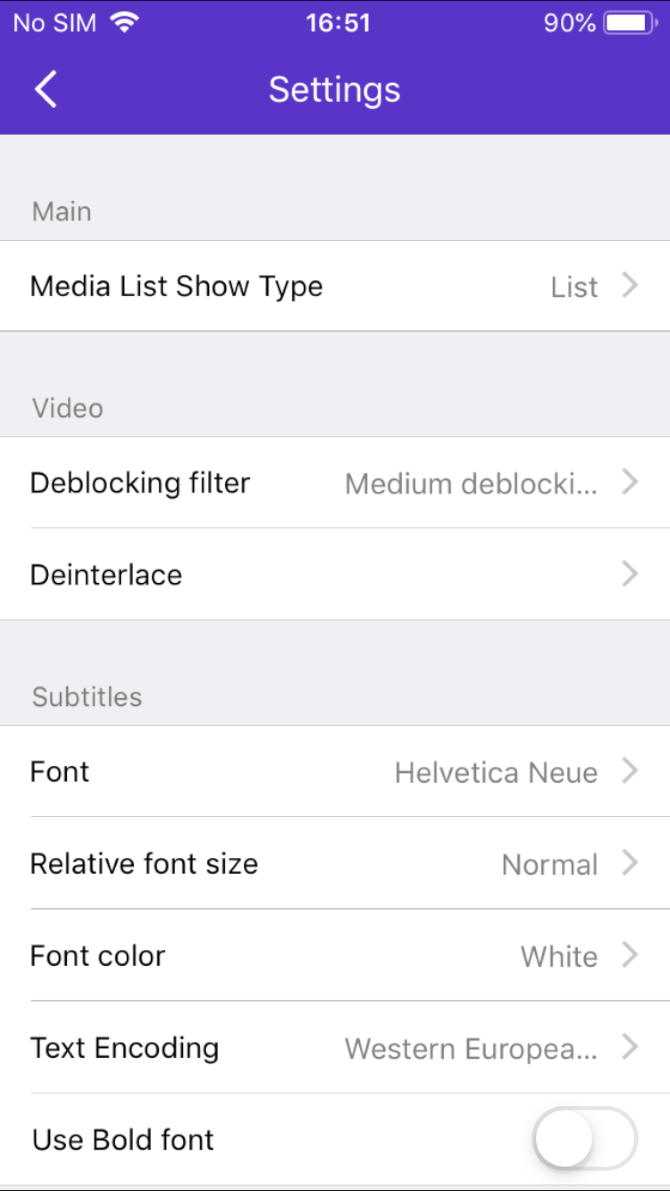
The video player works with more than 60 video formats, including MP4, MOV, REC, TOD, VRO, WTV, AVI, GVI, M4V, WMV, VOB, MT2S, MPEG, NSV, and MKS. It also supports more subtitle formats than almost every other video player for iPhone and iPad. The formats include SSA, ASS, SMI, TXT, MPL, PJA, VTT, and SRT.

Some of KMPlayer’s other significant features are network playback from Google Drive, FTP servers, and Dropbox, a mirror mode, and extensive gesture support. KMPlayer is free to download and use.

Download: KMPlayer (Free)

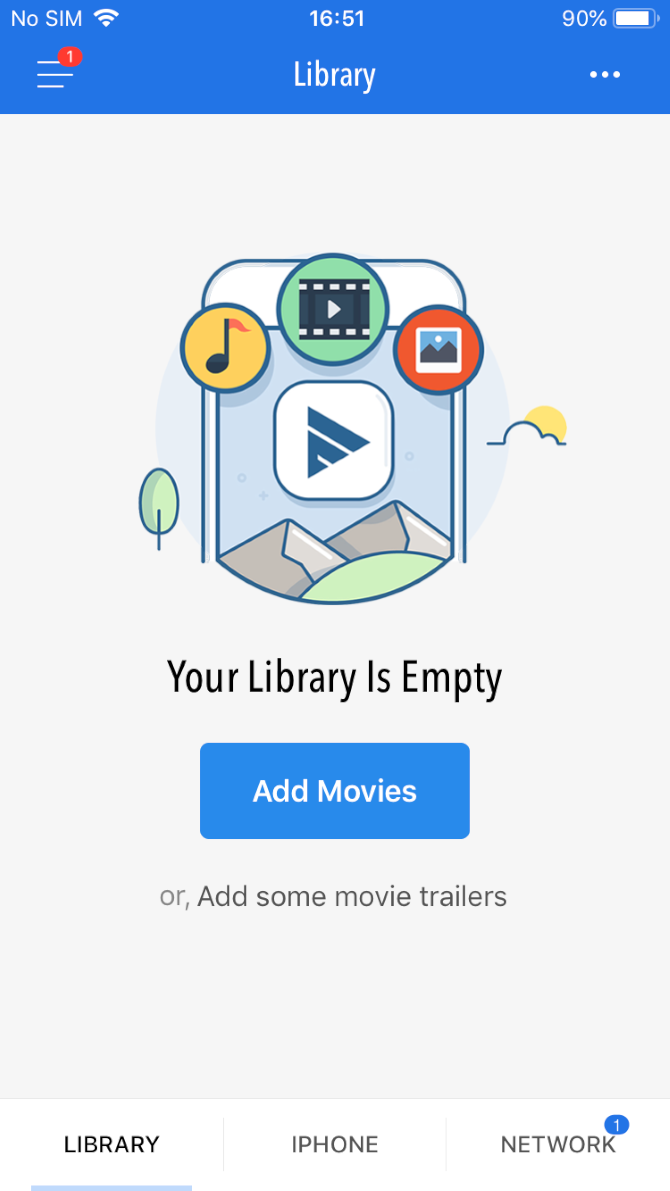
4. Infuse

Infuse is another app for the job that you should consider. It’s been around for several years and is widely considered as one of the best video players for iPhone and iPad. Thus, it’s a direct rival of PlayerXtreme Media Player.

Before we look at the features, it’s worth mentioning Infuse’s aesthetics. It’s probably the slickest-looking app here. So if beautiful design is important to you, Infuse should be near the top of your list.

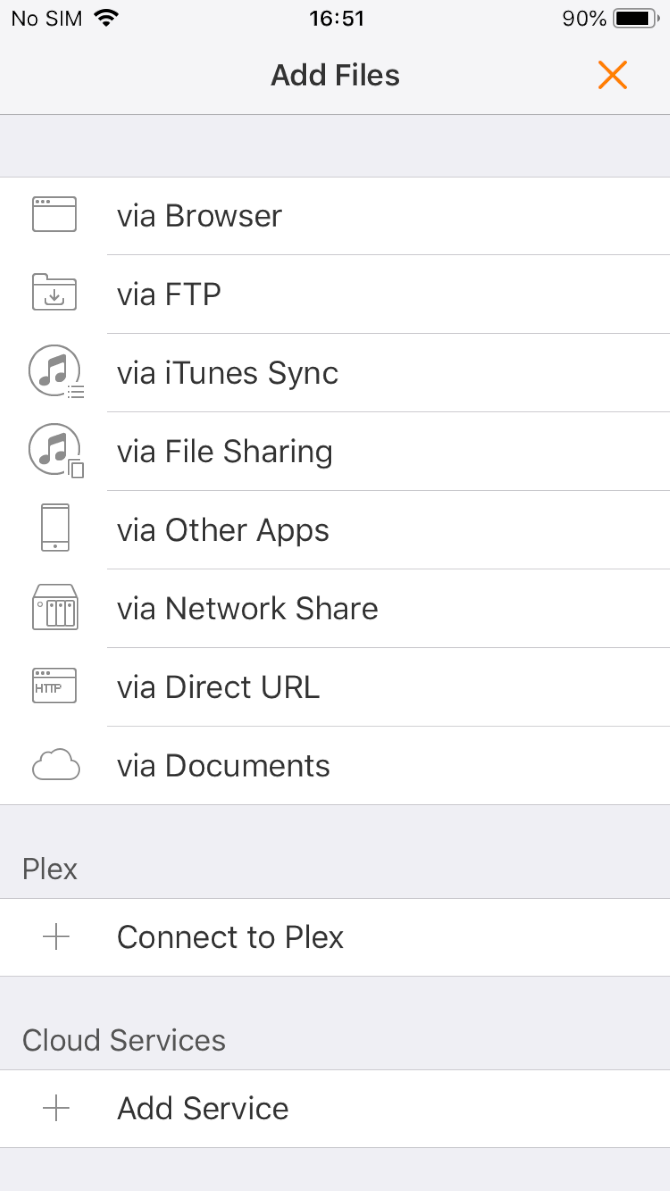
Supported filetypes include MP4, M4V, MOV, MKV, AVI, WMV, MTS, ISO, VIDEO_TS, FLV, OGM, OGV, ASF, 3GP, DVR-MS, WEBM, and WTV. You can watch locally saved iOS videos, but can also use Infuse to stream videos from external sources such as your Mac, PC, NAS drive, Wi-Fi hard drive, DLNA device, or even Plex and Kodi.

Infuse has AirPlay and Google Cast integration, free subtitles courtesy of OpenSubtitles.com, and support for video chapters, multiple audio tracks, and continuous playback.

Uniquely, Infuse also boasts Trakt integration. For those who don’t know, Trakt is like Last.fm for movies and TV shows. It logs what you’ve watched, syncs across your devices, and provides recommendations based on your viewing habits.

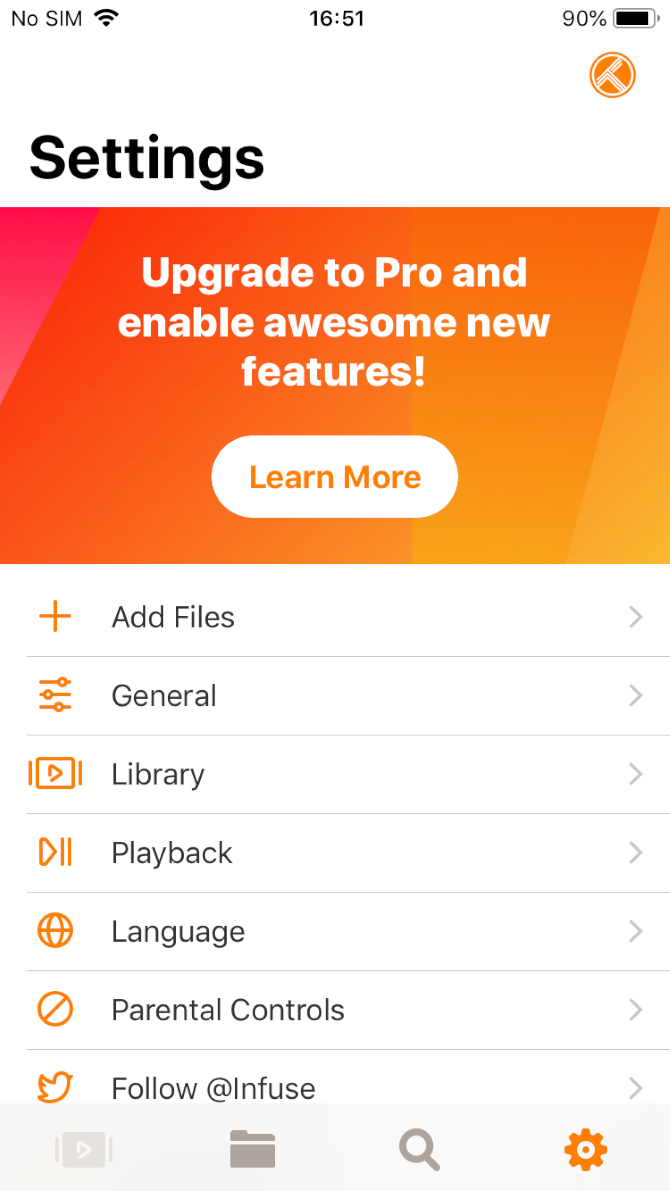
The app is free, but to unlock all the features, you will need to subscribe. This costs $10 per year, $1 per month, or $55 for a lifetime license.

Download: Infuse (Free, in-app purchases available)

5. GPlayer

If Infuse is considered a rival of PlayerXtreme Media Player, GPlayer is the closest challenger to VLC. Because it gained much of its popularity before the VLC port finally arrived on iOS, it thus mimics many of VLC’s best features.

For example, like VLC, GPlayer has a Wi-Fi upload feature. It lets you transfer video files between your PC and your device via Wi-Fi so you can watch them when you’re away from an internet connection. For Windows users especially, it’s one of the best ways to transfer video files from a computer to an iPhone or iPad.

The app also rivals VLC when it comes to network streaming. You can play RTSP and MMS streams and videos from HTTP and FTP sources.

Other important features include AirPlay support, gesture support, and integration with iTunes. File types such as AVI, WMV, RMVB, ASF, H264, MKV, TS, and M2TS can all be played on the app. There’s also support for multiple subtitle formats, including SMI, ASS, SUB, SRT, and TXT.

GPlayer is the only non-free app on the list, so try it if you’ve found the others lacking.

Download: GPlayer ($3, in-app purchase available)

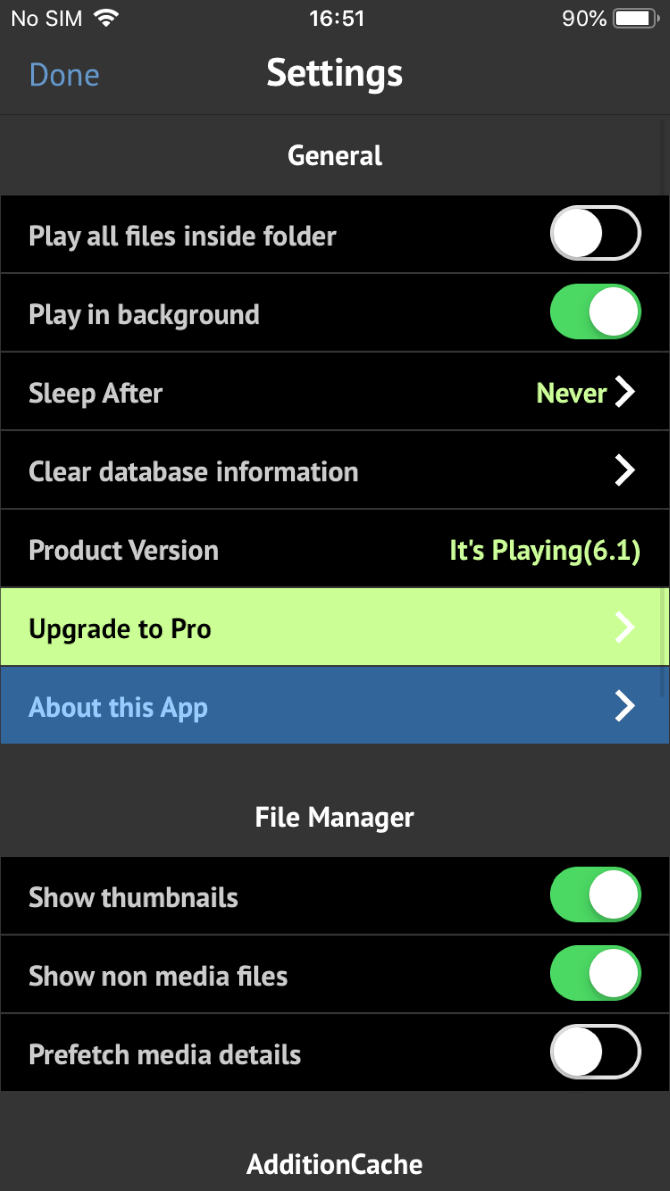
6. It’s Playing

You can use It’s Playing to play local files on your device or stream videos from cloud storage and local networks.

The app offers playback resolution of up to 1080p, can play videos over AirPlay, and has Dolby Digital audio output. It supports several video file formats, including MP4, MOV, MKV, AVI, WMV, VOB, and RMVB.

Where It’s Playing really shines, however, is the list of Pro features. If you pay the $10 fee, you can use the app to watch your friends’ liked, shared, and posted videos on Facebook, watch YouTube videos, and play videos from HTTP sources.

Download: It’s Playing (Free, premium version available)

Other Ways to Play Videos on iOS

If your primary reason for downloading a video player on your iPhone or iPad is to watch movies and TV shows, you might be better served using Plex instead. You can use it to manage your media collection, cast to all the screens around your home, and watch your videos remotely when you’re on-the-go.

To learn more, have a look at the best Plex clients for streaming media.

Read the full article: The Best Video Player Apps for iPhone and iPad


Read Full Article

WeWork-owned Meetup confirms restructuring, layoffs


WeWork’s efforts to cut costs following the ouster of its chief executive officer and a delayed initial public offering looks to be impacting its subsidiaries. Meetup, which WeWork acquired for a reported $200 million in 2017, announced a round of layoffs this morning, TechCrunch has learned.

The company, which helps people foster in-person connections by facilitating events across the globe, has shed as much as 25% of its workforce, most of which were employees of the company’s engineering department, sources tell TechCrunch.

Meetup’s top priority is building the best possible product for our community of more than 44 million members around the world,” a representative of the company said in a statement provided to TechCrunch. “Today we made some organizational changes with that goal in mind, including restructuring across some of our departments.”

The news follows WeWork’s own well-documented attempts at restructuring its high-loss business. Late last month, SoftBank provided the over-valued co-working business a much-needed lifeline in the form of a $5 billion loan, a $3 billion tender offer and another $1.5 billion in equity funding, according to The Wall Street Journal. That’s in addition to the billions already invested by the Japanese telecom giant, which now owns a roughly 80% stake. SoftBank’s mountain of cash had previously valued WeWork at an eye-popping $47 billion; the latest investment package, however, valued the company at just $8 billion. 

Understandably, WeWork’s new leadership (former vice chairman Sebastian Gunningham and former president and chief operating officer Artie Minson are serving as co-CEOs) seem to be hyper-focused on its new cost-cutting strategy. Multiple reports have indicated the business is weighing sales of several of its subsidiaries, including Meetup, Managed by Q and Conductor. We’ve asked Meetup whether its parent company enforced the staff cuts and will update this story if we hear back.

As for WeWork, it must make a concerted effort to boost its balance sheet in the next few months if it plans to stay committed to a 2020 IPO. The company initially revealed its IPO prospectus in August, disclosing revenue north of $1.5 billion in the six months ending June 30 on losses of $904.6 million. Shortly after, its co-founder and former CEO Adam Neumann’s misbehaviors were published in a number of incriminating stories by The Wall Street Journal and other outlets. Neumann’s trashed reputation coupled with WeWork’s mounting losses forced the company to replace its founding CEO and shelve its IPO, which would have been the second-largest offering of 2019 behind only Uber.

Meetup, founded in 2002, was one of the first IRL social networks. Today’s cuts are not the first since WeWork came into the picture, according to earlier reporting by Gizmodo. Meetup shed roughly 10% of its staff amid negotiations for the acquisition and underwent cultural changes as managers pushed for growth and “more aggressiveness in the workplace.”

The future of Meetup is unclear. WeWork may move forward with a sale of the business or pressure its own cost-cutting measures on the company. In a recent email to Meetup members, CEO David Siegel wrote that he appreciated the recent outpouring of support from the community, as it became apparent the company was in a precarious position because of its owner.

“As you may be aware, there has been significant news about our parent company, WeWork, and what this means for the future of Meetup,” Siegel wrote. “As Meetup’s CEO, I want to personally tell you we’re as committed as ever to bringing people together in person. 


Read Full Article

Software Updates


Software Updates

Brazilian mobile phone insurance technology startup Pitzi is now worth over $100 million


With roughly one million customers across Brazil and a new round of financing, the mobile phone insurance provider Pitzi now finds itself with a $100 million valuation.

The size of its latest round, which was led by QED Investors and included commitments from existing investors like Thrive Capital and Valiant Partners, was undisclosed.

PItzi acts as a reseller for insurance companies to offer products around mobile phone insurance across Brazil. Founded in 2012, the company’s mobile handset insurance offerings were a service that was in the right place at the right time, as low-cost handsets caused the market in Latin America’s most populous country to explode.

Pitzi previously raised $20 million from investors, including Thrive, Kaszek Ventures, Flybridge and DCM. Even with the company’s success, cell phone insurance in Brazil stands at 4%, compared with global standards of more than 40%. This despite the fact that there are more than 200 million phones in Brazil alone.

“Today, only 4% of smartphones here are protected but we’re driving that towards 90% in the coming years and using those phones to unlock even more transformation in the space,” said Daniel Hatkoff, founder and CEO of Pitzi, in a statement.

The investment by QED Investors puts Pitzi in some pretty good company when it comes to Latin American financial technology startups. Other Latin American investments in the firm’s portfolio include the multibillion-dollar credit card startup, Nubank; the personal finance lender, Creditas; the business lender, Konfio; and the rental financing company Quinto Andar.

As a result of the investment, Bill Cilluffo, a former president of Capital One International and a general partner with QED, will take a seat on the company’s board of directors, according to a statement.

For Hatkoff, the cell phone is a window into other products and services in the insurance industry thanks to the ways the device has transformed so many experiences for the emerging Brazilian middle class.

“The smartphone will be profoundly transformational in Brazil, allowing the emerging middle class to finally emerge and do things it never imagined possible,” said Hatkoff. “As market leaders, we at Pitzi are obsessed with unlocking the Brazilian consumer’s ability to use their phones in ever more powerful ways. Cell phone protection is just the beginning.”


Read Full Article

The 7 most important announcements from Microsoft Ignite


It’s Microsoft Ignite this week, the company’s premier event for IT professionals and decision-makers. But it’s not just about new tools for role-based access. Ignite is also very much a forward-looking conference that keeps the changing role of IT in mind. And while there isn’t a lot of consumer news at the event, the company does tend to make a few announcements for developers, as well.

This year’s Ignite was especially news-heavy. Ahead of the event, the company provided journalists and analysts with an 87-page document that lists all of the news items. If I counted correctly, there were about 175 separate announcements. Here are the top seven you really need to know about.

Azure Arc: you can now use Azure to manage resources anywhere, including on AWS and Google Cloud

What was announced: Microsoft was among the first of the big cloud vendors to bet big on hybrid deployments. With Arc, the company is taking this a step further. It will let enterprises use Azure to manage their resources across clouds — including those of competitors like AWS and Google Cloud. It’ll work for Windows and Linux Servers, as well as Kubernetes clusters, and also allows users to take some limited Azure data services with them to these platforms.

Why it matters: With Azure Stack, Microsoft already allowed businesses to bring many of Azure’s capabilities into their own data centers. But because it’s basically a local version of Azure, it only worked on a limited set of hardware. Arc doesn’t bring all of the Azure Services, but it gives enterprises a single platform to manage all of their resources across the large clouds and their own data centers. Virtually every major enterprise uses multiple clouds. Managing those environments is hard. So if that’s the case, Microsoft is essentially saying, let’s give them a tool to do so — and keep them in the Azure ecosystem. In many ways, that’s similar to Google’s Anthos, yet with an obvious Microsoft flavor, less reliance on Kubernetes and without the managed services piece.

Microsoft launches Project Cortex, a knowledge network for your company

What was announced: Project Cortex creates a knowledge network for your company. It uses machine learning to analyze all of the documents and contracts in your various repositories — including those of third-party partners — and then surfaces them in Microsoft apps like Outlook, Teams and its Office apps when appropriate. It’s the company’s first new commercial service since the launch of Teams.

Why it matters: Enterprises these days generate tons of documents and data, but it’s often spread across numerous repositories and is hard to find. With this new knowledge network, the company aims to surface this information proactively, but it also looks at who the people are who work on them and tries to help you find the subject matter experts when you’re working on a document about a given subject, for example.

00000IMG 00000 BURST20180924124819267 COVER 1

Microsoft launched Endpoint Manager to modernize device management

What was announced: Microsoft is combining its ConfigMgr and Intune services that allow enterprises to manage the PCs, laptops, phones and tablets they issue to their employees under the Endpoint Manager brand. With that, it’s also launching a number of tools and recommendations to help companies modernize their deployment strategies. ConfigMgr users will now also get a license to Intune to allow them to move to cloud-based management.

Why it matters: In this world of BYOD, where every employee uses multiple devices, as well as constant attacks against employee machines, effectively managing these devices has become challenging for most IT departments. They often use a mix of different tools (ConfigMgr for PCs, for example, and Intune for cloud-based management of phones). Now, they can get a single view of their deployments with the Endpoint Manager, which Microsoft CEO Satya Nadella described as one of the most important announcements of the event, and ConfigMgr users will get an easy path to move to cloud-based device management thanks to the Intune license they now have access to.

Microsoft’s Chromium-based Edge browser gets new privacy features, will be generally available January 15

What was announced: Microsoft’s Chromium-based version of Edge will be generally available on January 15. The release candidate is available now. That’s the culmination of a lot of work from the Edge team, and, with today’s release, the company is also adding a number of new privacy features to Edge that, in combination with Bing, offers some capabilities that some of Microsoft’s rivals can’t yet match, thanks to its newly enhanced InPrivate browsing mode.

Why it matters: Browsers are interesting again. After years of focusing on speed, the new focus is now privacy, and that’s giving Microsoft a chance to gain users back from Chrome (though maybe not Firefox). At Ignite, Microsoft also stressed that Edge’s business users will get to benefit from a deep integration with its updated Bing engine, which can now surface business documents, too.

hero.44d446c9

You can now try Microsoft’s web-based version of Visual Studio

What was announced: At Build earlier this year, Microsoft announced that it would soon launch a web-based version of its Visual Studio development environment, based on the work it did on the free Visual Studio Code editor. This experience, with deep integrations into the Microsoft-owned GitHub, is now live in a preview.

Why it matters: Microsoft has long said that it wants to meet developers where they are. While Visual Studio Online isn’t likely to replace the desktop-based IDE for most developers, it’s an easy way for them to make quick changes to code that lives in GitHub, for example, without having to set up their IDE locally. As long as they have a browser, developers will be able to get their work done..

Microsoft launches Power Virtual Agents, its no-code bot builder

What was announced: Power Virtual Agents is Microsoft’s new no-code/low-code tool for building chatbots. It leverages a lot of Azure’s machine learning smarts to let you create a chatbot with the help of a visual interface. In case you outgrow that and want to get to the actual code, you can always do so, too.

Why it matters: Chatbots aren’t exactly at the top of the hype cycle, but they do have lots of legitimate uses. Microsoft argues that a lot of early efforts were hampered by the fact that the developers were far removed from the user. With a visual too, though, anybody can come in and build a chatbot — and a lot of those builders will have a far better understanding of what their users are looking for than a developer who is far removed from that business group.

Cortana wants to be your personal executive assistant and read your emails to you, too

What was announced: Cortana lives — and it now also has a male voice. But more importantly, Microsoft launched a few new focused Cortana-based experiences that show how the company is focusing on its voice assistant as a tool for productivity. In Outlook on iOS (with Android coming later), Cortana can now read you a summary of what’s in your inbox — and you can have a chat with it to flag emails, delete them or dictate answers. Cortana can now also send you a daily summary of your calendar appointments, important emails that need answers and suggest focus time for you to get actual work done that’s not email.

Why it matters: In this world of competing assistants, Microsoft is very much betting on productivity. Cortana didn’t work out as a consumer product, but the company believes there is a large (and lucrative) niche for an assistant that helps you get work done. Because Microsoft doesn’t have a lot of consumer data, but does have lots of data about your work, that’s probably a smart move.

GettyImages 482028705 1

SAN FRANCISCO, CA – APRIL 02: Microsoft CEO Satya Nadella walks in front of the new Cortana logo as he delivers a keynote address during the 2014 Microsoft Build developer conference on April 2, 2014 in San Francisco, California (Photo by Justin Sullivan/Getty Images)

Bonus: Microsoft agrees with you and thinks meetings are broken — and often it’s the broken meeting room that makes meetings even harder. To battle this, the company today launched Managed Meeting Rooms, which for $50 per room/month lets you delegate to Microsoft the monitoring and management of the technical infrastructure of your meeting rooms.


Read Full Article

BMW’s magical gesture control finally makes sense as touchscreens take over cars


BMW has been equipping its cars with in-air gesture control for several years and I never paid attention to it. It seemed redundant. Why wave your hand in the air when there’s dials, buttons, and touchscreens to do the same? Until this week, that is, when took delivery of a BMW 850i loaner equipped with the tech. This is about the future.

I didn’t know the 850i used gesture control, because, frankly, I had forgotten BMW had this technology; I stumbled upon it. Just make a motion in the air to control the volume or tell the navigation to send you home. Now, in 2019, with giant touchscreens set to takeover cars, I find BMW’s gesture control smart and a great solution to a future void of buttons.

It’s limited in use right now. There are only a few commands: volume, nav, recent calls, and turning on and off the center screen. It’s easy to see additional functions added in the future. It’s sorely missing the ability to step back a screen. I want that function the most.

Here’s how it works: to control the volume, take one finger and spin it in the air above the center stack. Anywhere. The range is impressive. A person can do this next to the screen or two feet away. A person’s arm could be resting on the center armrest and lift in the air and twirl their finger. Bam, it controls the volume. Put two fingers up – not spinning, like a flat peace sign – and the screen turns on or off. Make a fist and open it twice to load the navigation or phone (user picks the function).

After using the system for several days, I never had a false positive. The volume control took about 10 minutes to master while the other gestures worked the first time.

In this car, these commands work in conjunction with physical buttons, dials, and a touchscreen. The gestures are optional. A user can turn off the function in the settings, too.

I found the in-air control a lovely addition to the buttons, though. At night, in the rain, they’re great as they do not require the driver to remove their focus from the road. Just twirl your fingers to turn down the volume.

I’m not convinced massive touchscreens are better for the driver. The lack of actual, tactile response along with burying options in menus can lead drivers to take their eyes off the road. For the automaker, using touchscreens is less expensive than developing, manufacturing, and installing physical buttons. Instead of having rows of plastic buttons and dials along with the mechanical bits behind them, automakers can use a touchscreen and program everything to be on screen. Tesla did it first, Ram, Volvo, and now Ford is following.

In-air gesture control could improve the user experience with touchscreens. When using BMW’s system, I didn’t have to take my eyes off the road to find the volume — something that I have to do occasionally, even in my car. Instead, I just made a circle in the air with my right hand. Likewise, BMW’s system lets the user call up the nav and navigate to a preset destination (like work or home) by just making another gesture.

BMW debuted this system in 2015. The automotive world was different. Vehicles were


Read Full Article

DJI Mavic Mini Review: Tiny, powerful and the perfect drone for anyone


The $399 Mavic Mini lives in a sweet spot of core features and a low price. It packs everything critical to be a quality drone. It has a good camera, good range, and a good controller. It holds up well in the wind and is quick enough to be fun. And it’s so small that you’re more likely to throw it in your bag and take it on Instagram adventures.

The small size is the Mavic Mini’s main selling point. It weighs 249 grams, and that odd number isn’t an accident. Drones that weight 250 grams and above have to be registered to fly. And yet, even though the Mavic Mini is lightweight and foldable, it’s packed with core features: 30 minute flight time, 4 km HD video transmission, 3-axis gimbal holding a 2.7K camera, and a physical controller that works with Android and iOS devices. At $399, it’s a lot of drone for the money even though it’s missing features found in DJI’s other drones.

There are more expensive drones packed with a lot of features. I own most of those drones. They’re fun, but several years ago, feature creep started sneaking into DJI’s products. Now, with a convoluted product line, a spreadsheet is needed to deceiver DJI’s drones. Most come loaded with countless features owners will likely never use. The Mavic Mini is something different. It’s basic, and I dig it.

Here’s what’s missing: collision detection, ultra-long-range connection, 4k camera, gesture control, and advanced camera features like trackable follow, panoramic, timelapse, and optical zoom.

The Mavic Mini is quick enough to be fun, but it won’t win any races. It’s responsive and fast enough. Light and easy. Compared to a Mavic 2, it feels smaller and less powerful — because it is — and yet it never feels too small or underpowered. The Mavic Mini is well balanced, and owners should find it enjoyable to fly.

Despite its tiny size, the Mavic Mini holds up well in high wind. I took it up to 200m on a windy fall day in the Midwest. The wind was clearing leaves off the trees, and I was bundled up in hat and gloves. It was gusty. The Mavic Mini didn’t care. It took off like a drone much larger and stood tall against the wind. What’s more, the video didn’t suffer. The gimbal held the camera steady as it recorded the autumn landscape.

The drone uses DJI’s new app, and I’m using a beta version to test the drone. Called DJI Fly, it’s a streamlined version of DJI Go and packs several enhancements. Safe fly zones are better integrated into the app and have an additional level of detail over the older app. DJI also better built-in support for its social community app, SkyPixel. However, as this version is streamlined, it lacks a lot of information standard on the Go version, most notable, a mini-map in the bottom corner of the screen. I’m hoping DJI adds more features to this app after it launches.

[gallery ids="1907926,1907927,1907929,1907932,1907930,1907931"]

The camera is good for the price. The pictures here were taken from the drone and not altered or adjusted. They were taken on cloudy and sunny days. The range is surprisingly good as the drone can capture blue skies and dark highlights. Occasionally in direct sunlight, the camera colors become washed out.

They say the best camera is the one you have with you. That’s where the Mavic Mini comes in. The best drone is the one you have with you. For years, I lugged around a massive Pelican case containing Phantom 2 and later a Phantom 3. I thought I was the coolest. At a moment’s notice, I could go to my car’s trunk and retrieve a suitcase containing a flying camera. A few minutes later, after my phone synced to the drone, and the controller joined the drone’s network, I had 15 minutes of flight time. Then came the foldable Mavic, which fit alongside my camera gear like a large telephoto lens. Other drones came and went. I liked the GoPro Karma for a time.

The tiny Mavic Mini is a game-changer. It’s small enough that I’ll bring it everywhere. It’s small and light enough that it feels like a large point and shoot in my computer bag.

Want more features and a better camera but keep the portable size? Earlier this year DJI announced the $919 foldable Mavic Air that has a 4k camera and 5 mile video transmission.

The Mavic Mini gets everything right. It’s small, comes with a lovely case, and in a $499 bundle, two extra batteries with a clever charging pack. The camera is surprisingly good though admittedly less powerful than DJI’s more expensive drones. The Mavic Mini is the perfect drone for a first-timer or experienced drone enthusiast. DJI stuff enough features into the 249 gram body to make this a fantastic drone for anyone.

[gallery ids="1907939,1907948,1907954,1907968,1907942,1907934,1907935,1907941"]

DJI Mavic Mini announcement


Read Full Article

What open water swimming taught me about resilience | Bhakti Sharma

What open water swimming taught me about resilience | Bhakti Sharma

Dive into the deep with open water swimmer Bhakti Sharma, as she shares what she learned about resilience during her personal journey from the scorching heat of Rajasthan, India to the bone-chilling waters of her record-breaking swim in Antarctica and her courageous crossing of the English Channel. "In the middle of the ocean, there is nowhere to hide," Sharma says.

Click the above link to download the TED talk.